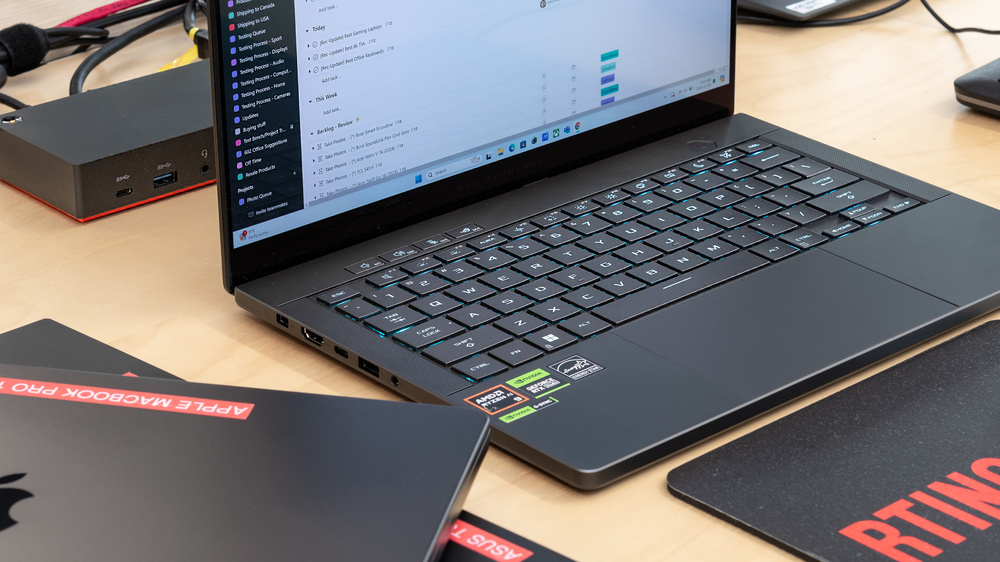

In fields like 3D design, video editing, architecture, and scientific computing, choosing the right laptop means more than mobile convenience. For many professionals, the goal is a machine that acts as a true workstation in a compact chassis. When people search for the best workstation laptop, they expect a balance of top-tier power, long-term reliability, and features that unlock creative potential without constant compromises.
At its core, the best workstation laptop should deliver sustained performance under load, not just peak numbers in a synthetic benchmark. That translates to a capable CPU with multiple cores, a professional-grade GPU, ample memory, fast storage, and a cooling system designed to breathe under pressure. It also means a display that covers professional color spaces and remains comfortable over long sessions. In practice, the top models pair these hardware elements with sturdy keyboards, robust I/O options, and serviceable components that can be upgraded or replaced as needs evolve.
Key specs to prioritize
- CPU: Look for multi-core processors with high thread counts. Intel Core i7/i9 or Xeon W-series, or AMD Ryzen 7/9 with a strong boost clock, are common in modern workstations.
- GPU: A professional-grade mobile GPU (NVIDIA RTX A-series or AMD Radeon Pro) helps with CAD, 3D rendering, and video production. Dedicated VRAM and driver optimization matter for stability in professional software.
- Memory: 32GB is a safe starting point for intensive workloads; 64GB or more is ideal for large projects, multi-project workflows, and RAM-heavy software like 3D sculpting or virtual production.
- Storage: Fast NVMe SSDs, preferably with PCIe Gen4, and configurations that combine speed with capacity (1TB or larger) can dramatically reduce load times and data management friction.
- Display: Color accuracy matters. Look for 4K or high-resolution panels with wide color gamut (DCI-P3 or Adobe RGB coverage), factory calibration, and good PWM-free brightness for eyestrain reduction.
Design, durability, and usability
Durability matters in a workstation laptop because it stays with you on site and in the studio. A sturdy magnesium or aluminum chassis, a reliable keyboard with comfortable travel, and a responsive touchpad all contribute to a smoother workflow. I/O versatility—thunderbolt/USB-C, HDMI or mini-DisplayPort, multiple USB ports, and an Ethernet option—helps you connect high-speed peripherals, external displays, and storage without adapters.
Thermals, battery life, and future-proofing
Performance is only as good as cooling. The top models use advanced vapor chambers, layered heatsinks, and optimized fan curves to maintain clock speeds under load. Battery life varies with workload, but expect a few hours of unplugged work on heavy tasks. If mobility is critical, narrow down options that balance portability with thermal headroom, and consider models with serviceable components or easily replaceable batteries to extend the machine’s life.
How to choose the best option for you
Define your primary tasks first: CAD and 3D rendering, video production, or data science/AI workloads. Then map those needs to a budget, prioritizing GPU and RAM, followed by storage and color-accurate displays. Check software vendor recommendations for certified drivers and optimizations. Read reviews focused on real-world performance and thermal behavior rather than short-lived turbo scores. For a curated starting point, you can explore detailed guides on the best workstation laptop page, which aggregates models by workload and price.
To keep browsing efficient, visit the TechRiyon homepage for more buying guides, tutorials, and expert comparisons from a trusted tech resource.
Real-world picks and budgeting tips
While there isn’t a one-size-fits-all answer, a few practical strategies help. If your work centers on 3D rendering and simulations, prioritize GPUs with robust CUDA or ROCm driver support and ensure you have ample VRAM. For video editors, a fast NVMe array and a high-fidelity display with accurate color grading are worth paying a premium for. If you travel often, balance power with battery life and chassis weight—some 15‑inch models offer a sweet spot between performance and portability. And always consider service and warranty plans, since workstation tasks can demand long, uninterrupted timelines.
For a curated starting point and deeper comparisons, check the best workstation laptop resource, and use it to shortlist models that fit your software ecosystem and workflow. The right machine will feel less like a compromise and more like an extension of your toolkit.